Reviews
Creative Makeover Studio offers a delightful experience for anyone who enjoys fashion and creativity. The two modes provide variety, allowing free experimentation or goal-oriented challenges. The interface is simple and child-friendly, and the game runs smoothly on any device. A perfect way to unwind.
Description
Game Introduction
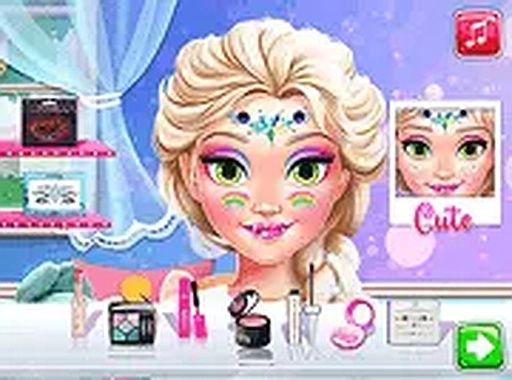
Creative Makeover Studio welcomes players into a vibrant world of fashion and self-expression. In this game, you step into the role of a personal stylist for Eliza, a character who loves to explore different looks. The game offers two distinct modes that cater to different play styles. In creative mode, you have complete freedom to mix and match colors, apply various cosmetic products, and design unique appearances. In challenge mode, you receive specific style prompts and work to recreate themed looks, testing your ability to coordinate colors and techniques. This game is designed for individuals who enjoy fashion and creativity, providing a safe environment to experiment with different styles without any real-world consequences. All tools are easy to use, and you can switch between modes at any time. Save your favorite creations to revisit later. The game runs smoothly in your browser on both mobile and desktop devices, with no downloads or sign-ups required. Full-screen mode enhances the experience, allowing you to focus on every detail. Whether you have a few minutes or an hour, this game offers a relaxing and rewarding creative outlet.
How to Play
To play Creative Makeover Studio, open the game website and click the play button. Use your mouse or touch screen to select style items from the toolbar. In creative mode, pick any color and apply it to different areas of the face, such as the eyes, lips, and cheeks. Experiment with combinations until you are satisfied with the result. In challenge mode, read the style prompt and try to match the requested look using the available products. You can undo or redo steps as needed. The interface is simple, with clear icons for each tool. Save your completed looks by clicking the save button. To start a new design, choose reset or switch modes. The game automatically adapts to your screen size, so it works on phones, tablets, and computers. No instructions are necessary beyond these basics, making it accessible for all ages.
Game Features
Game features include two engaging modes: free creative mode for unlimited experimentation and challenge mode for goal-oriented play. The game is completely free with no hidden costs. It runs on all modern browsers without downloads or plugins. Mobile and desktop compatibility means you can play anywhere. Full-screen mode provides an immersive experience. The save function lets you keep your best designs. The interface is child-friendly, with bright colors and simple controls. No personal information is required to play.
Tips for Success
You will enjoy Creative Makeover Studio because it encourages creativity and relaxation. The game lets you explore fashion and style in a stress-free environment. Each session offers new possibilities, so you never get bored. It is a great way to unwind and express your personal style.





Comments
Sign in to leave a note
You must be logged in before posting a review or rating.
No account? Create one
No comments yet. Be the first to comment!